


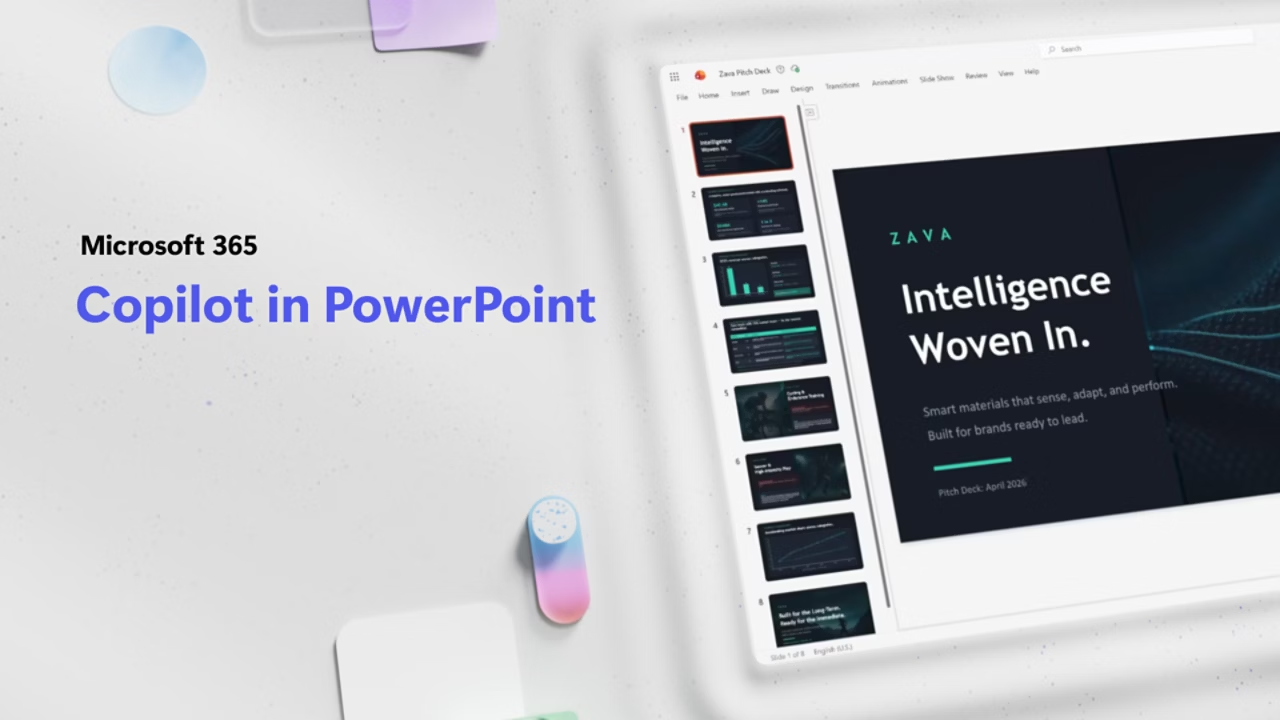
Microsoft Copilot’s Agentic Features Go Live in Word, Excel, and PowerPoint: A Game Changer for Productivity
Microsoft has officially rolled out agentic capabilities for Copilot in Word, Excel, and PowerPoint, and this update changes how we think about AI in everyday work. Instead of just offering suggestions or answering questions, Copilot can now take real, multi-step actions directly inside your documents, spreadsheets, and slides. The goal is simple: help you move from a blank page to a finished product faster, without losing control over the process.
This new default experience is already showing promising early results, with customers reporting stronger engagement and higher satisfaction. For anyone who spends their day navigating Microsoft 365 apps, this could be one of the most meaningful upgrades in years.
A Brief Look Back at Copilot’s Journey
When Copilot first launched, the technology behind it had real limitations. The underlying foundation models weren’t quite powerful enough to actually take over tasks inside applications. Copilot could answer questions, explain things, or suggest changes, but it struggled to execute actions reliably on the document itself. It was more of a helpful passenger than a hands-on collaborator.
Over the past year, that has changed dramatically. AI models have made huge leaps in instruction following, reasoning, and overall quality. Copilot can now handle complex, multi-step edits without losing track of your intent. That evolution is what has made this current release possible, and it shows up in every major Office app.
What “Agentic” Actually Means
The term “agentic” gets thrown around a lot these days, so it’s worth explaining what it actually means in the context of Copilot. Agentic AI refers to systems that don’t just offer recommendations but actively complete tasks on your behalf. Think of it less like a helpful assistant and more like a teammate who can take the wheel and get things done while you supervise.
In Word, Excel, and PowerPoint, that translates to Copilot doing real work:
- Restructuring and rewriting sections of documents
- Building and formatting complex data visuals
- Updating presentations with current information and new talking points
- Applying structural changes across long documents
- Performing multi-step edits that would normally require significant manual effort
The key shift is that Copilot is no longer just describing what you should do. It’s doing it for you, while keeping you in the driver’s seat.
What Microsoft Learned Along the Way
Microsoft built this evolution of Copilot in close partnership with customers and researchers. Throughout the process, several important lessons stood out that shaped the final experience.
Taking Action Really Matters
The most value comes from Copilot doing the work rather than just suggesting steps. Formatting, restructuring, building visuals, and transforming data directly in the document creates a real productivity boost.
Control Is Essential
People want to feel in charge of their documents. They need to review changes, accept what works, and reject what doesn’t. Copilot was built with this in mind, respecting your preferences about structure, style, and brand guidelines at every step.
Context Improves Output
The introduction of Work IQ helps Copilot understand your work environment and intent faster. Better context leads to better results, whether you’re drafting a client proposal, crunching financial data, or putting together a pitch deck.
Multi-Model Flexibility Unlocks Value
Different AI models excel at different tasks. Copilot brings together top models from across the industry, so you can use the right tool for the job. That flexibility is especially important for business users who want to balance creativity, accuracy, and speed.
Consistency Across Apps Builds Trust
Moving between Word, Excel, and PowerPoint should feel familiar. Copilot maintains a consistent interaction model across apps while still respecting the unique strengths of each one.
The Numbers Speak for Themselves
According to Microsoft, the new agentic Copilot experience is already delivering serious performance gains. Over just the past month, the company has seen significant increases in engagement, retention, and user satisfaction across all three major apps.
Here’s what the data looks like:
- Word: Engagement up 52%, new user retention up 11%, satisfaction up 21%
- Excel: Engagement up 67%, new user retention up 50%, satisfaction up 65%
- PowerPoint: Engagement up 11%, new user retention up 36%, satisfaction up 25%
Excel, in particular, shows the largest jump across the board, which makes sense considering how much value users can get from AI-powered data analysis. Word and PowerPoint aren’t far behind, with strong improvements across every metric.
How Copilot Works in Each App
Let’s break down what Copilot agentic features look like in practice across Microsoft’s three flagship productivity apps.
Copilot in Word
Word is where Copilot truly shines as a writing partner. You can go from a blank page to a polished document in much less time than before. Copilot can:
- Draft full documents based on a few prompts
- Rewrite or restructure sections for better flow
- Adjust tone to fit different audiences
- Apply consistent styling across the document
- Help refine drafts into professional deliverables
Whether you’re working on a formal report, a pitch document, or a casual blog post, the assistance feels seamless and genuinely useful.
Copilot in Excel
Excel has historically been one of the most intimidating Microsoft apps for new users. With agentic Copilot, that barrier is dropping fast. Now Copilot can:
- Explore data sets and surface insights
- Build and explain analysis clearly
- Make direct changes to formulas, tables, and visuals
- Create pivot tables and summaries
- Help translate questions into actionable decisions
For professionals who work with financial data, sales reports, or analytics, this update could easily save hours of manual work every week.
Copilot in PowerPoint
Presentations are another area where Copilot makes a huge difference. Rather than starting from scratch or spending hours tweaking old decks, users can now:
- Update existing presentations with fresh data and talking points
- Generate polished slides from rough ideas or bullet points
- Respect company templates and brand guidelines automatically
- Build narratives that flow well and hold attention
- Refine visuals quickly for different audiences
In short, Copilot helps turn a concept into a pitch-ready deck faster than most people thought possible.
The Importance of Human Oversight
One of the most reassuring aspects of this rollout is Microsoft’s clear commitment to user control. No matter how autonomous the AI becomes, the user is still the final decision-maker. You can preview changes, accept or reject edits, and understand what’s been modified.
That balance between power and oversight is key. Agentic AI is only useful if it can be trusted, and Microsoft seems to understand that trust depends on transparency. You’re never locked out of your own work, no matter how much Copilot takes on.
What’s Coming Next
Microsoft isn’t finished refining Copilot. The company has outlined three main priorities for the next wave of improvements:
- Deeper editing for complex workflows: Copilot will continue to expand its ability to handle complex, high-stakes work like financial spreadsheets, legal documents, and strategic reports
- More transparency and control: Better previews, clearer explanations of changes, and easier fine-tuning without disrupting your workflow
- A more seamless Copilot system: Bringing together entry points, suggestions, and in-app workflows so the experience feels unified across Word, Excel, and PowerPoint
The broader goal seems to be making Copilot feel less like a separate tool and more like an always-on collaborator embedded in how you already work.
Who Gets These Features?
The new agentic Copilot capabilities are now generally available as the default experience for users on:
- Microsoft 365 Copilot subscriptions
- Microsoft 365 Premium subscriptions
- Microsoft 365 Personal and Family plans
That’s a wide rollout that includes both enterprise users and individual subscribers, which means millions of people will start seeing these upgrades in their apps immediately.
Why This Update Is a Big Deal
We’ve been hearing about AI’s potential to revolutionize productivity for years now, but this release feels different. Instead of the AI living in a sidebar offering polite suggestions, it’s now actively participating in your work. That’s a big step toward the vision of AI as a real, functional teammate.
This shift could change how people approach everyday office tasks. Documents that used to take hours might now be completed in a fraction of the time. Data analysis that once required specialized skills becomes more accessible. Presentations that normally involved multiple review rounds can be cleaned up quickly with a few natural language prompts.
Of course, AI doesn’t replace human creativity, judgment, or accountability. But it can clear the grunt work out of the way so that people can focus on higher-value thinking.
Potential Challenges to Watch
As exciting as this release is, it’s worth acknowledging a few areas that users should keep an eye on:
- Accuracy in complex scenarios: While Copilot has improved dramatically, high-stakes documents still require careful human review
- Consistency with brand or style guidelines: Customizing output to match organizational norms may take some trial and error
- User trust and adaptation: Some users may take time to feel comfortable giving AI more control over their documents
- Data and privacy: Businesses will want to carefully consider how Copilot interacts with sensitive information
Microsoft has addressed many of these concerns through Work IQ and its model selection approach, but every organization and user will need to find their own comfort zone.
The Bigger Picture
Microsoft’s Copilot rollout is part of a much larger trend across the tech industry. Google, Apple, and various startups are all racing to integrate agentic AI into productivity tools, and the next few years are going to bring rapid change to how people work. The winners will be the platforms that strike the right balance between power and control, making AI feel like a true collaborator rather than an intrusive disruption.
For now, Microsoft appears to be in a strong position. By making agentic Copilot the default experience across Word, Excel, and PowerPoint, the company is betting that users will embrace the shift and quickly come to rely on it.
Final Thoughts
The general availability of Copilot’s agentic features in Word, Excel, and PowerPoint marks a significant moment in the evolution of AI-powered productivity. Microsoft has moved from a suggestive assistant to a fully capable collaborator that can take meaningful action directly inside your documents, spreadsheets, and presentations.
With major gains in engagement, retention, and satisfaction already showing up in the data, it’s clear that users are responding positively. For professionals looking to work smarter, this update could genuinely reshape their daily workflows.
As Microsoft continues to refine the experience and push toward deeper integration, Copilot is quickly becoming less of a feature and more of a teammate. Whether you’re drafting a report, analyzing data, or building a pitch deck, there’s a new kind of help available now, and it’s ready to roll up its sleeves and dive in with you.
The future of office work just got a lot more interesting.