



















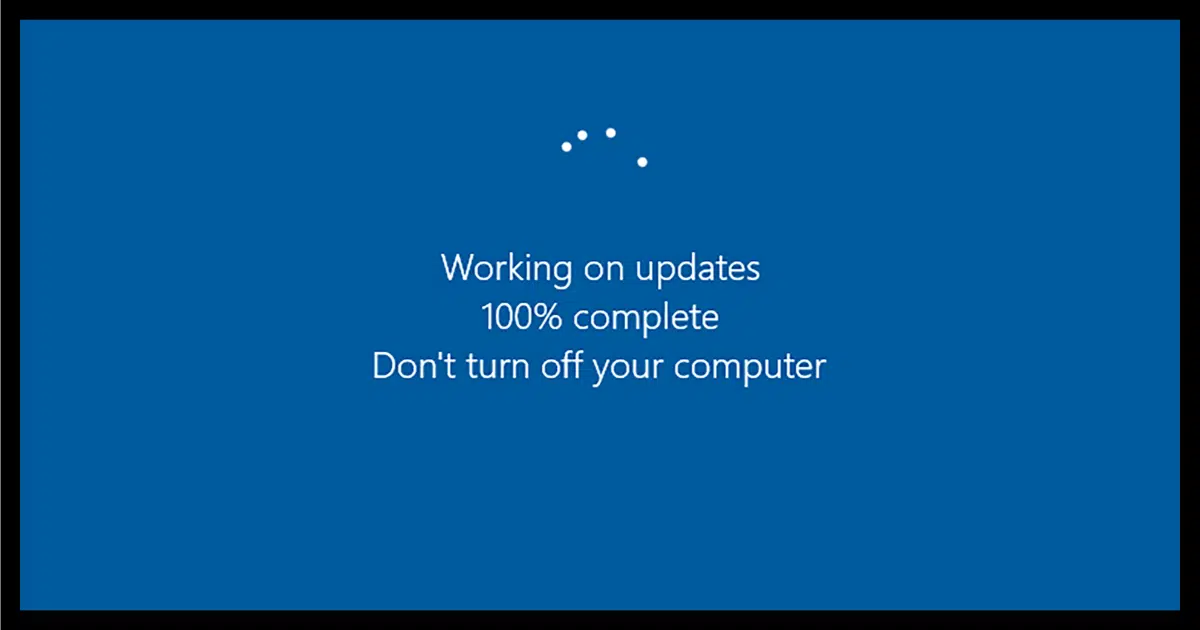
Windows Update Pause: Microsoft Hands Users Real Control Over System Updates at Last
Windows Update pause options are finally getting the upgrade users have been demanding for years. Microsoft is rolling out significant changes that mean Windows users will no longer find themselves stuck watching forced updates kick in during the middle of an intense gaming session or a critical workday. After what feels like an eternity of complaints, the company is delivering meaningful relief to anyone tired of fighting their own operating system.
The new update controls are currently arriving for users on Microsoft’s Dev and Experimental Windows Insider channels, with a headline feature that genuinely changes the game: the ability to indefinitely postpone updates in 35-day blocks for as long as you need.
What’s Actually Changing
Last month, Microsoft announced a sweeping set of improvements aimed at addressing the most persistent frustrations Windows 11 users have voiced over the years. Top of that list was making system updates dramatically less disruptive to daily computing life.
Microsoft confirmed in a Friday blog post that users will be able to extend the pause end date as often as needed, with absolutely no caps on how many times you can reset the clock for another 35-day window. If you forget to re-pause or simply choose not to, updates will resume their normal schedule once the period expires.
This represents a genuine shift in philosophy. For years, Microsoft has prioritized pushing updates aggressively, often at the expense of user experience. The new approach treats users like adults capable of deciding when their machines should pause for maintenance.
Driver Updates Get Clearer
One small but meaningful change involves driver update labels. Going forward, Windows will display more descriptive titles for driver updates, including which device class each update affects. So instead of vague references that leave you guessing, you’ll see clearly whether an update targets your display, audio system, battery, or other hardware components.
This transparency matters more than it might seem at first glance. Anyone who has nervously approved a mystery driver update only to watch their sound stop working knows the value of knowing exactly what’s being changed before clicking accept.
Power Menu Options That Make Sense
Another welcome addition involves the Windows 11 power menu. The system will now consistently offer options to restart or shut down your computer without triggering pending updates. This solves one of the most aggravating moments in modern computing: needing to quickly close your laptop to catch a flight or finish a meeting, only to discover Windows has decided this is the perfect moment to install thirty minutes of updates.
Microsoft is also adding an option to skip updates entirely during initial setup of a new Windows device. Anyone who has unboxed a new computer and watched it spend an hour updating before becoming usable will appreciate this change immediately.
Unified Update Experience
Beyond just letting users delay things, Microsoft is restructuring how updates actually work behind the scenes. The company describes this as unifying the update experience, which essentially means bundling updates together so users don’t have to reboot their systems as frequently.
Under the new approach, updates will quietly download in the background and then wait for a coordinated installation and restart. This contrasts sharply with the current setup where individual updates can each demand their own reboot cycle, fragmenting your workday with repeated interruptions.
Why This Matters for Real Users
These changes address genuine pain points that have plagued Windows users for years. Consider the scenarios these updates fix:
- Gamers who lost progress because Windows decided to update during a multiplayer match
- Remote workers who arrived at video meetings to find their machines mid-update
- Students rushing to submit assignments only to face mandatory restarts
- Travelers needing quick shutdowns before security checks at airports
- Anyone running specialized software that doesn’t play well with sudden system changes
Each of these frustrations stems from the same fundamental issue: Microsoft historically treated updates as non-negotiable events that took priority over whatever the user was actually doing. The new approach acknowledges that real people use these computers for real work and entertainment, and that interruptions have actual costs.
The Bigger Picture for Windows 11
This update philosophy shift fits into Microsoft’s broader push to address Windows 11 quality and performance complaints. The company has clearly gotten the message that aggressive update policies were damaging user trust and pushing some longtime Windows users toward alternatives like ChromeOS or even macOS.
By giving users meaningful control over when their systems update, Microsoft is acknowledging that respect for user autonomy matters even when the technical case for forced updates seems compelling. Yes, security patches are important. But forcing them at inopportune moments often just teaches users to dread their own computers.
What Comes Next
These features are currently rolling out through the Windows Insider program, specifically reaching users in the Dev and Experimental channels first. That means general availability will follow once Microsoft confirms the changes work reliably across diverse hardware configurations and use cases.
For users not in the Insider program, the wait shouldn’t be too long. Microsoft typically promotes successful Insider features to broader release relatively quickly when they address such commonly requested improvements.
How to Get Ready
If you want to try these changes immediately, joining the Windows Insider program is straightforward. Just be aware that Insider builds can include other experimental features that might not be production-ready, so it’s worth keeping that in mind before installing on a critical work machine.
For everyone else, the next few months should bring these improvements through standard Windows Update channels. When they arrive, take a moment to actually configure your update preferences rather than letting Windows operate on its default schedule.
Final Thoughts on Windows Update Pause
The new Windows Update pause functionality represents Microsoft listening to its users in ways that haven’t always been characteristic of the company’s update strategy. Whether you’re a casual user, a gamer, a remote professional, or someone who depends on specialized software, these changes give you back control that arguably should have been there from the beginning.
The ability to indefinitely defer updates in 35-day blocks, combined with clearer driver labels, sensible power menu options, and unified restart experiences, transforms Windows Update from an adversarial system into a more cooperative one. It’s the kind of practical improvement that makes daily computing genuinely better, which is ultimately what software should always aim for.